Separation Mode
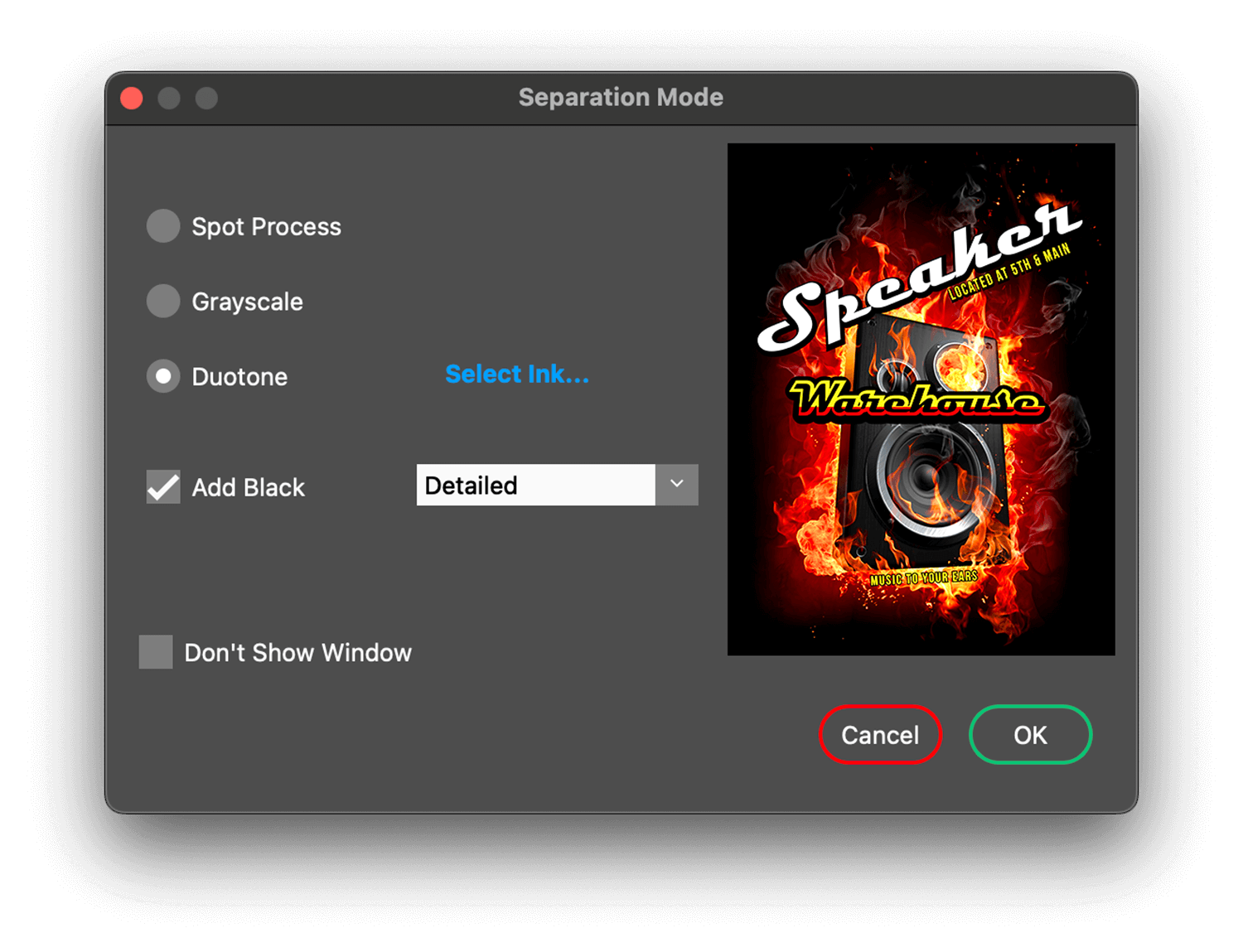
Upon opening a raster image formatted (tif, jpg, png) file to create Spot Process® separations, users have a fast way to choose between full color, Grayscale or Duotone separations.
An ability to generate a black separation as part of the initial raw separations is a powerful workflow enhancement.
Last used settings become the default.
“Don’t Show Window” prevents the Separation Mode window from appearing allowing the last used settings to be applied automatically. From Preferences this window can be made to appear again.